

January 2, 2026
•
5 min read
How to Book a Mexican Visa Appointment Through WhatsApp: The Complete 2025 Guide
Book your Mexican visa appointment via WhatsApp in 15 minutes. Step-by-step guide to the Mi Consulado system for Temporary or Permanent Residency in 2025.
Justin Barsketis
Insurance Expert
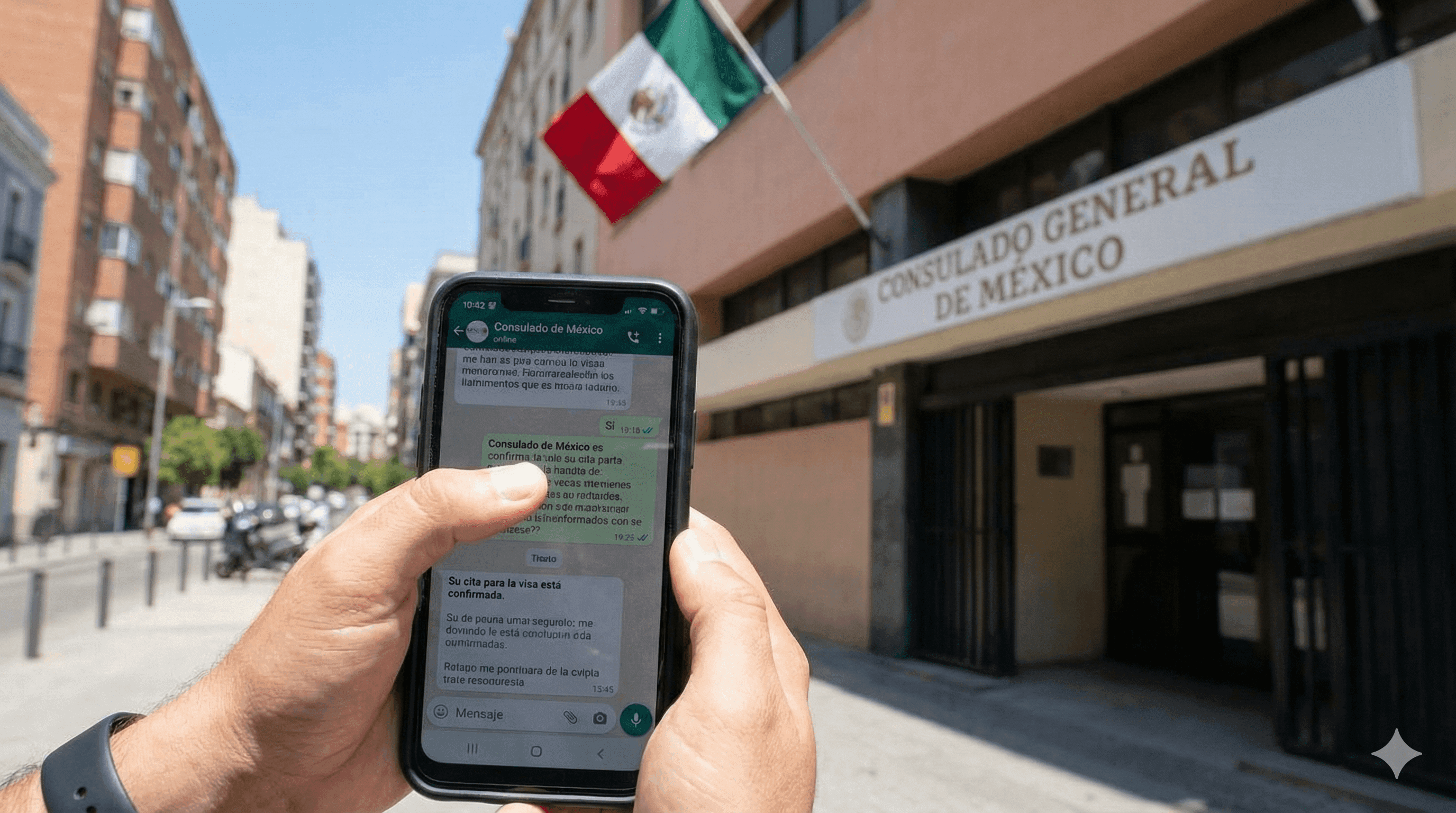
Getting a Mexican residency visa appointment used to mean endless phone calls, unanswered emails, and hours refreshing consulate websites. Not anymore. Mexico's Secretaría de Relaciones Exteriores (SRE) now offers the "Mi Consulado" WhatsApp system, a chatbot that lets you schedule your visa appointment in about 15 minutes from your phone.
Whether you're applying for Temporary Residency (Residente Temporal) or Permanent Residency (Residente Permanente), this guide walks you through every step of the process.
What is the Mi Consulado WhatsApp System?
The Mi Consulado system is Mexico's official chatbot for scheduling consulate appointments. It operates through WhatsApp and is managed by the Secretaría de Relaciones Exteriores, the same government body that handles all Mexican foreign affairs and consular services.
Important: This system is currently available only for Mexican consulates in the United States and Canada. If you're applying from another country, you'll need to contact your local consulate directly for their appointment process.
Before You Start: What You'll Need
Gather this information before starting the WhatsApp conversation:
- Your ZIP code (US) or Postal Code (Canada)
- Your full legal name as it appears on your birth certificate
- Your date of birth in YYYY-MM-DD format
- Your country, state/province, and county/district of birth
- A valid email address
- Approximately 15-20 minutes of uninterrupted time
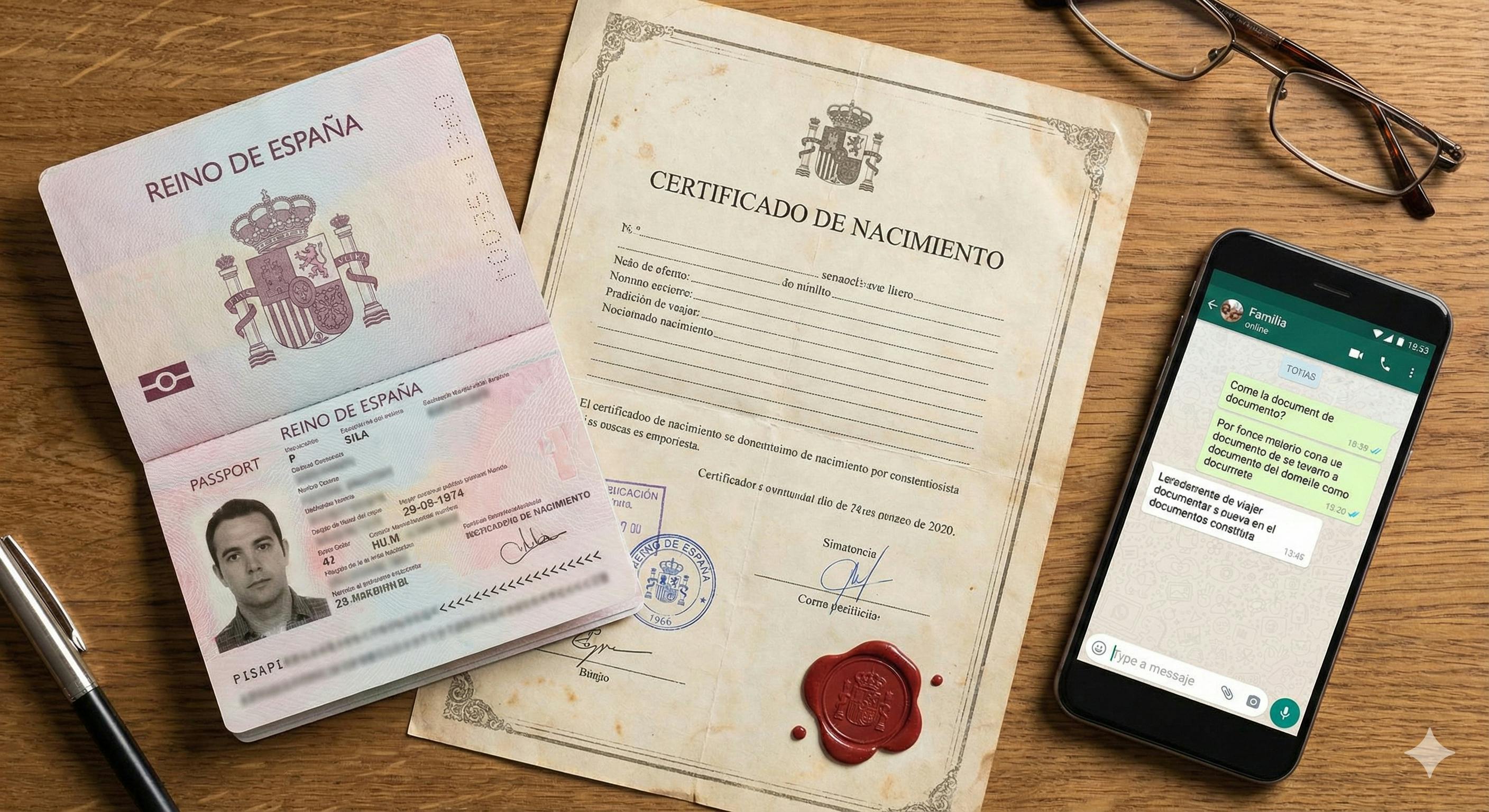
Step-by-Step: Booking Your Mexican Visa Appointment via WhatsApp
Step 1: Add the Official Mi Consulado Number
Save this number to your contacts and open a WhatsApp conversation:
📱 424-309-0009
This California-based number connects you to the centralized SRE system serving both US and Canadian consulates.
Step 2: Start the Conversation
Simply type "Hi" or "Hola" to begin. The chatbot will respond with a welcome message and a link to their privacy policy. You don't need to click the link to proceed.
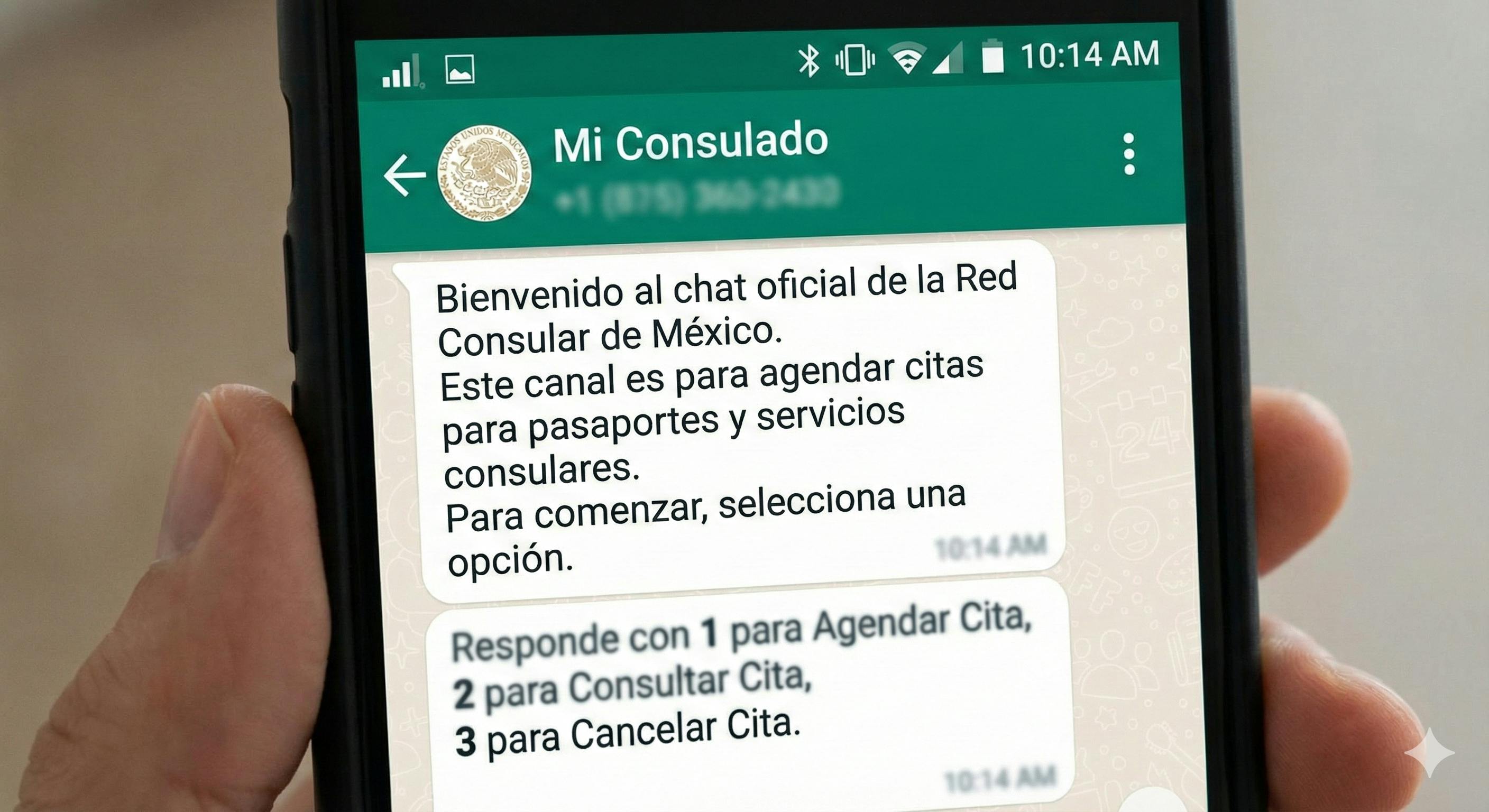
Step 3: Select Your Country
The system will ask which country you're making an appointment in:
- Type 1 for United States
- Type 2 for Canada
Step 4: Enter Your Location
Enter your ZIP code (US) or Postal Code (Canada). The system will ask you to confirm it's correct. Based on your location, you'll see a numbered list of nearby consulates.
Pro Tip: If the closest consulate doesn't have appointment availability for your visa type, try entering a different ZIP code for a consulate you're willing to travel to. Appointment availability varies significantly between locations.
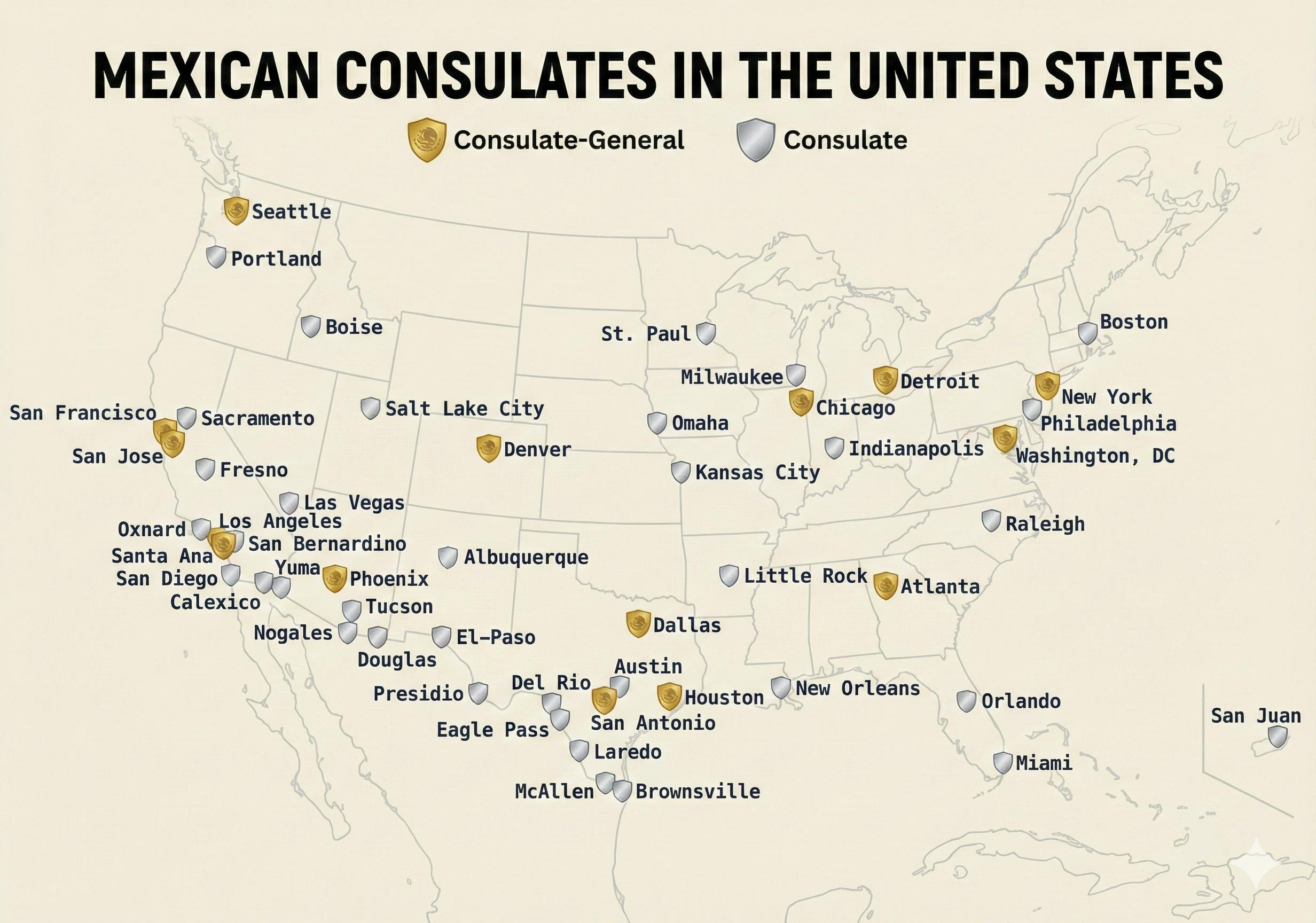
Step 5: Select Your Consulate
Choose the consulate number from the list provided. You'll receive a message with important reminders:
- Don't send documents or images through the chat
- Don't use abbreviations or special characters
- Confirm your selection (1 for yes, 2 for no)
Step 6: Enter Your Personal Information
The chatbot will collect your information in this exact order:
First Name: Enter your first name AND middle name together (if you have one) exactly as they appear on your birth certificate. Example: John Robert
Paternal Last Name: This is your regular last name. For hyphenated names, include the full hyphenated version. Example: Stewart-Johnson
Maternal Last Name: Most Americans and Canadians don't have this. Type 0 if you don't have a maternal last name on your birth certificate.
Confirm your name is correct when prompted.
Step 7: Enter Your Birth Information
You'll need to provide:
- Country of birth (Canada = 40, US = 66)
- State or Province (select from numbered list)
- County or District (select from numbered list)
Confirm all details are correct.
Step 8: Enter Your Birth Date
Use this exact format: YYYY-MM-DD
Example: December 1, 1988 = 1988-12-01
Confirm the date is correct.
Step 9: Provide Your Email
Enter and confirm your email address. This is where you'll receive appointment confirmation and any updates from the consulate.
Step 10: Select Your Procedure Type (Critical Step)
Now you'll choose what type of appointment you need. Look for the VISA option—this is typically option 3.
⚠️ Important: If you don't see a VISA option in the list, either:
- That consulate doesn't handle visa appointments through WhatsApp
- There are no available visa appointments at this time
If this happens, visit the specific consulate's website for alternative booking methods.
Step 11: Choose Your Visa Type
Select Option 1: "Sin permiso del INM" (Without permission from INM)
This is the correct option for most people applying for Mexican residency from outside Mexico.
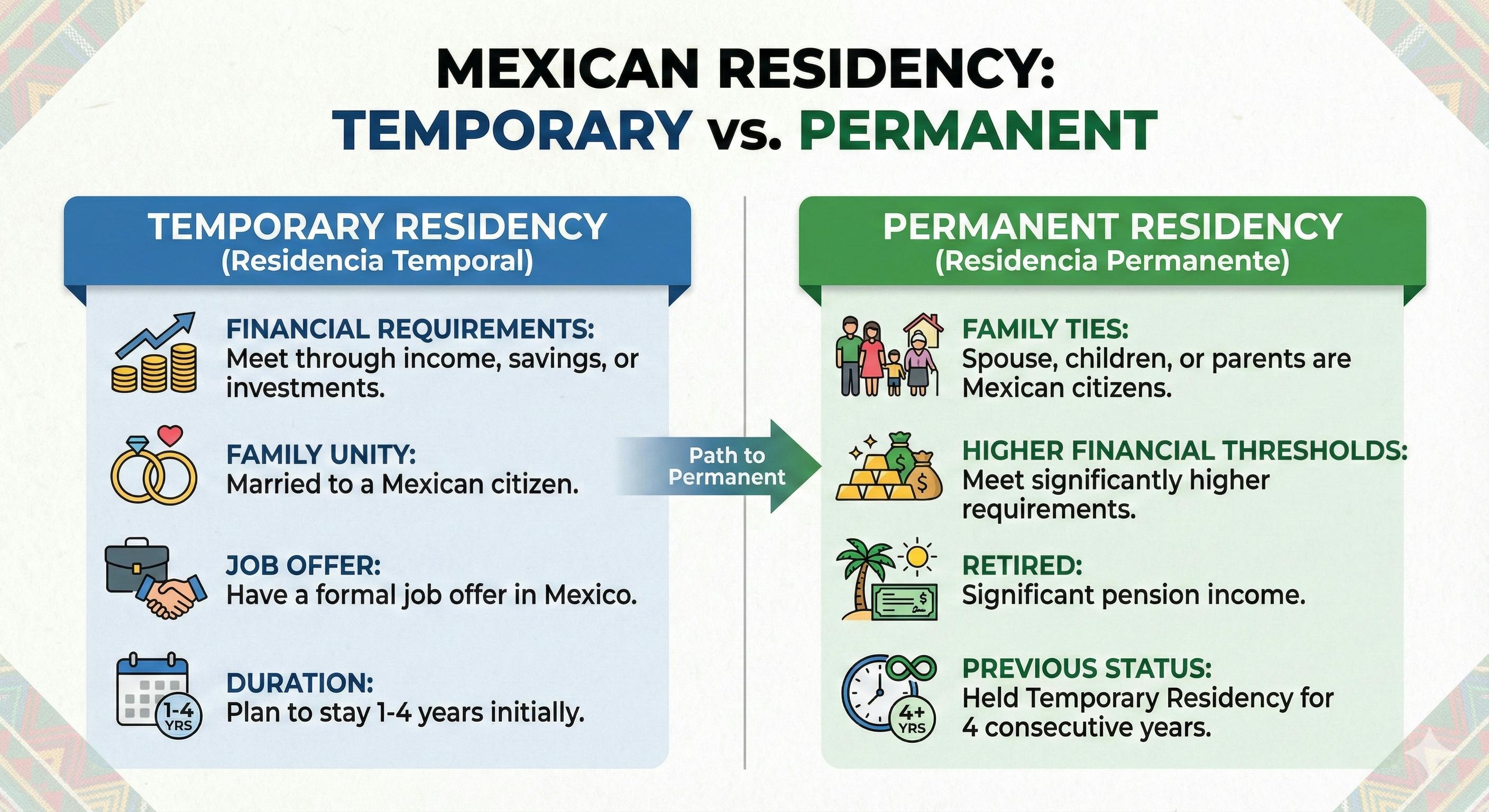
Step 12: Select Your Residency Type
Choose your visa category:
- Option 4: Temporary Residency (Residente Temporal)
- Option 6: Permanent Residency (Residente Permanente)
Temporary Residency is typically for those who:
- Meet financial requirements through income, savings, or investments
- Are applying through family unity (married to a Mexican citizen)
- Have a job offer in Mexico
- Plan to stay 1-4 years initially
Permanent Residency is typically for those who:
- Have family ties to Mexico (spouse, children, or parents who are Mexican citizens)
- Meet higher financial thresholds
- Are retired with significant pension income
- Previously held Temporary Residency for 4 consecutive years
Step 13: Select Your Appointment Date and Time
The system will display available appointment dates.
⚠️ Date Format Alert: Dates are shown in DD-MM-YYYY format (European style).
So 01-09-2025 means September 1, 2025—NOT January 9th.
After selecting a date, choose from the available time slots.
Confirm all your information one final time.
Step 14: Receive Your Confirmation
After confirming, wait a few moments. The system will generate:
- A Folio Number (your confirmation number—write this down!)
- A PDF appointment confirmation document
🖨️ CRITICAL: Download and print this PDF immediately. You must bring it to your consulate appointment.
What to Bring to Your Consulate Appointment
Your appointment confirmation PDF will include a link to specific document requirements. However, most visa applicants will need:
Required Documents
- Printed appointment confirmation (the PDF from WhatsApp)
- Valid passport (with at least 6 months validity)
- Passport-sized photos (check your consulate's specific requirements)
- Proof of financial solvency (bank statements, investment accounts, pension letters)
- Application form (available on the consulate website)
- Payment (typically $50-55 USD, exact change often required, check your consulate)
For Family Unity Applications
If you're applying for residency based on marriage to a Mexican citizen, also bring:
- Your spouse's Mexican passport
- Your spouse's Mexican birth certificate (Acta de Nacimiento)
- Marriage certificate (apostilled recommended, though not always required)
- Copies of all documents in black and white (not color)
Your Mexican spouse must accompany you to the appointment.
Tips for a Successful Appointment
1. Arrive Early
Plan to arrive 15-30 minutes before your scheduled time. Consulates are strict about punctuality.
2. Dress Appropriately
Business casual is recommended. First impressions matter in formal government settings.
3. Practice Your Interview Responses
The consular officer may ask about your plans in Mexico, financial situation, and ties to your home country. Be honest and straightforward.
4. Bring Exact Change
Many consulates require exact payment and don't accept credit cards. Call ahead to confirm the current fee amount.
5. Prepare for Language
Interviews can be conducted in English or Spanish. If you're comfortable in Spanish, this can work in your favor, it demonstrates cultural commitment and integration potential.
What Happens After Your Appointment?
If your visa application is approved, the consulate will:
- Place a visa sticker in your passport
- Provide instructions for your next steps in Mexico
Once you enter Mexico with your visa, you have 30 days to visit your local INM (Instituto Nacional de Migración) office to complete the residency card process. This involves biometrics, photos, and receiving your physical Residente Temporal or Residente Permanente card.
Troubleshooting Common Issues
"No VISA option appears in the menu"
This consulate either doesn't process visas through WhatsApp or has no current availability. Check the consulate's official website for alternative booking methods.
"The system won't accept my name"
Don't use special characters, accents, or abbreviations. If your legal name contains special characters (like ñ or accented letters), try the closest English equivalent.
"I made a mistake during registration"
You cannot edit your information once submitted. If you made an error, you'll need to start over with a new appointment request. If you need to cancel an existing appointment, contact the consulate directly.
"No appointments available for months"
Visa appointments can book up quickly. Options include:
- Check different consulates (even if farther away)
- Try again during off-peak times (early morning or late evening)
- Monitor for cancellations by checking periodically
Alternative Ways to Book Appointments
If the WhatsApp system doesn't work for your consulate, alternatives include:
- Consulate website booking portals (varies by location)
- Phone appointments during business hours
- Email requests (response times vary significantly)
- MiConsulado.sre.gob.mx web portal (for some locations)
Each consulate operates somewhat independently, so procedures may differ.
Ready to Start Your Mexican Residency Journey?
The WhatsApp appointment system has streamlined what used to be one of the most frustrating parts of the Mexican visa process. While it's not available everywhere, for those who can use it, it's a genuine improvement.
Have questions about Mexican residency requirements, costs of living, or what to expect when you arrive? Subscribe to our newsletter for the latest expat guides and updates.

Frequently Asked Questions
Q: Can I book appointments for family members through the same WhatsApp conversation? A: No, each person needs their own appointment booked separately.
Q: How far in advance should I book my appointment? A: As early as possible. Popular consulates may have wait times of 2-3 months or more.
Q: What if I need to reschedule? A: Contact your consulate directly. The WhatsApp system is primarily for new bookings.
Q: Is this system legitimate or a scam? A: This is the official system operated by Mexico's Secretaría de Relaciones Exteriores. The 424-309-0009 number is verified and managed by the SRE.
Q: Do I need to speak Spanish to use the system? A: The chatbot primarily operates in Spanish, but the numbered response system makes it navigable even without fluency. This guide provides all the translations you need.
This guide was compiled with information from the Mi Consulado WhatsApp system and community resources. Requirements and procedures may change, always verify current requirements with your specific consulate before your appointment.
Have you used the Mi Consulado WhatsApp system? Share your experience in the comments below.
Related Articles:
- Complete Guide to Mexican Temporary Residency Requirements
- Public vs. Private Health Insurance in Mexico
- How to Open a Bank Account in Mexico as a Foreigner
Sources:
- Secretaría de Relaciones Exteriores (SRE)
- Community contributions from r/mexicovisa
Justin Barsketis
Insurance Expert & Writer
Justin is an insurance guru that loves digital marketing. As our founder Justin manages our business development programs and MGA network. Please don’t hesitate to contact him if you are not getting the attention you deserve.
